
Printers
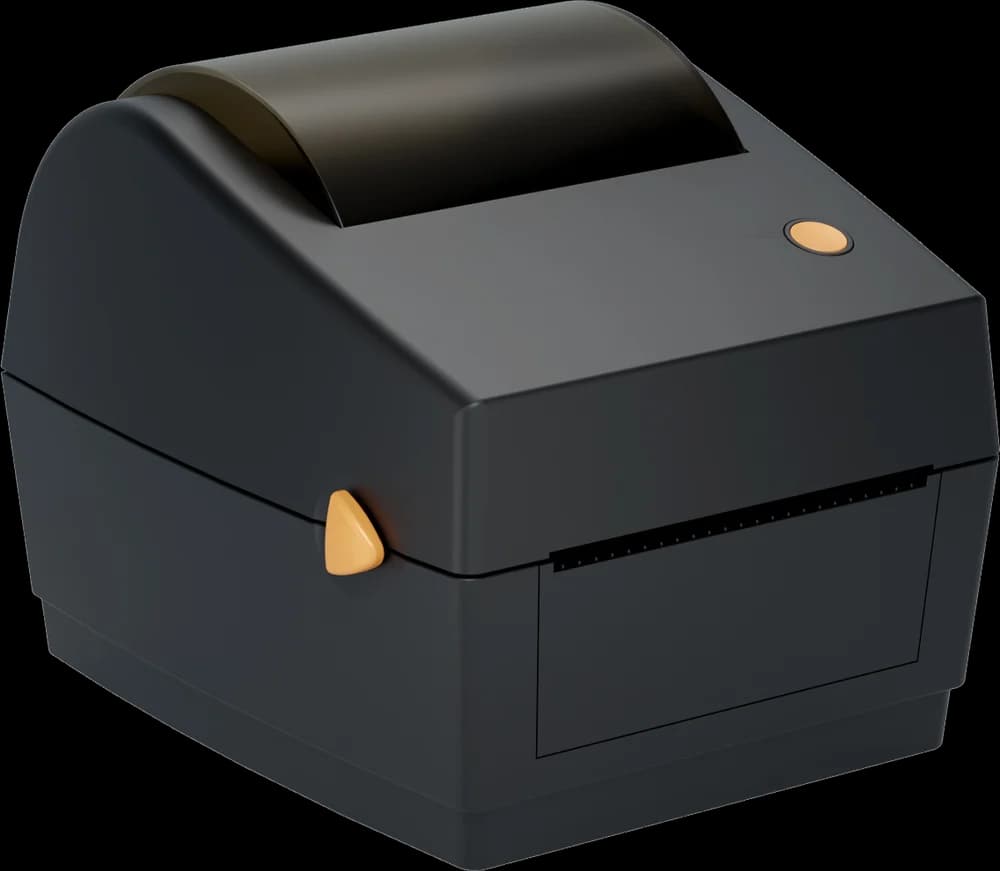
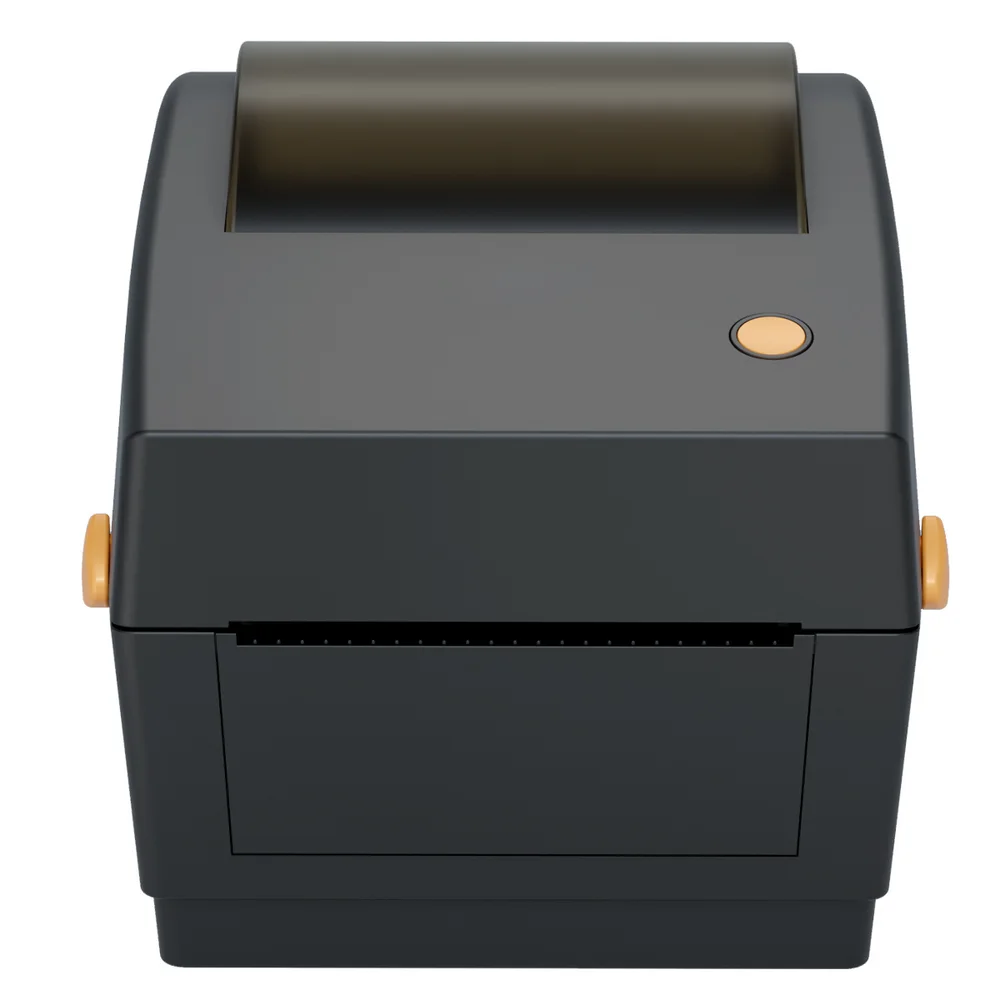
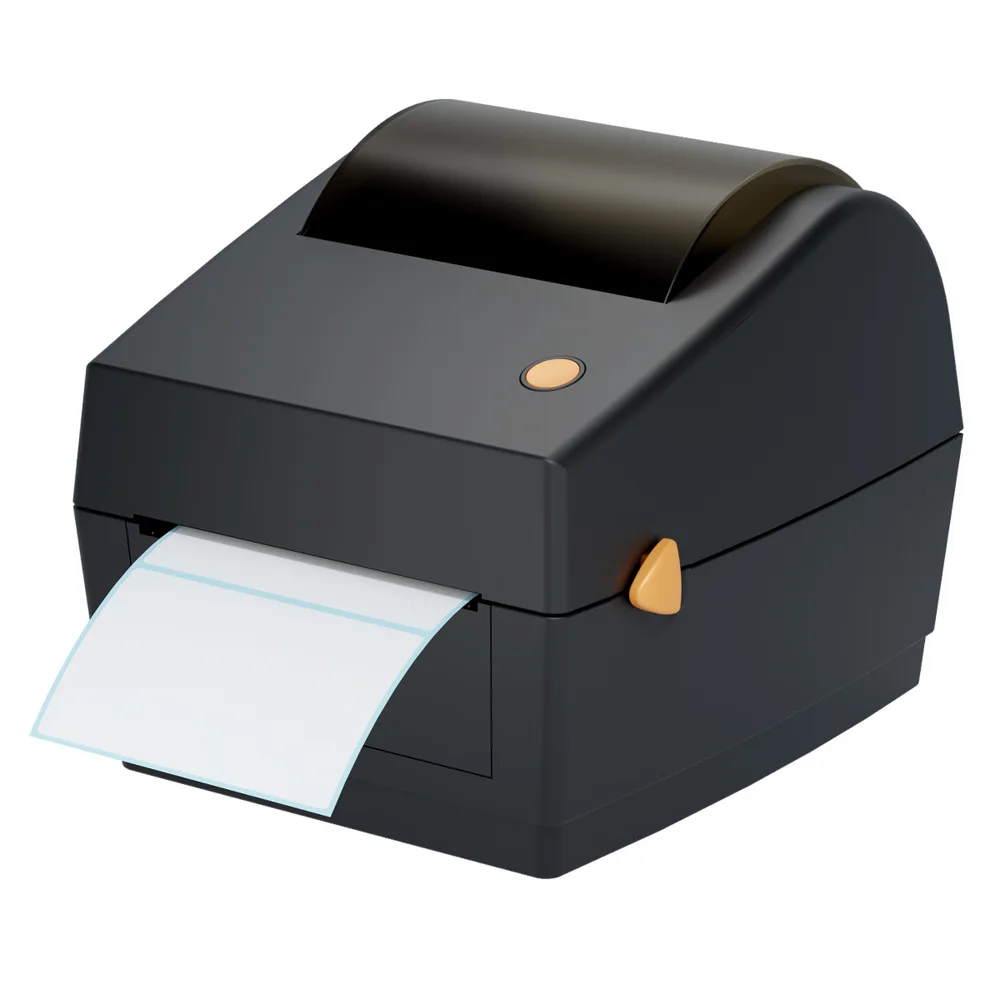
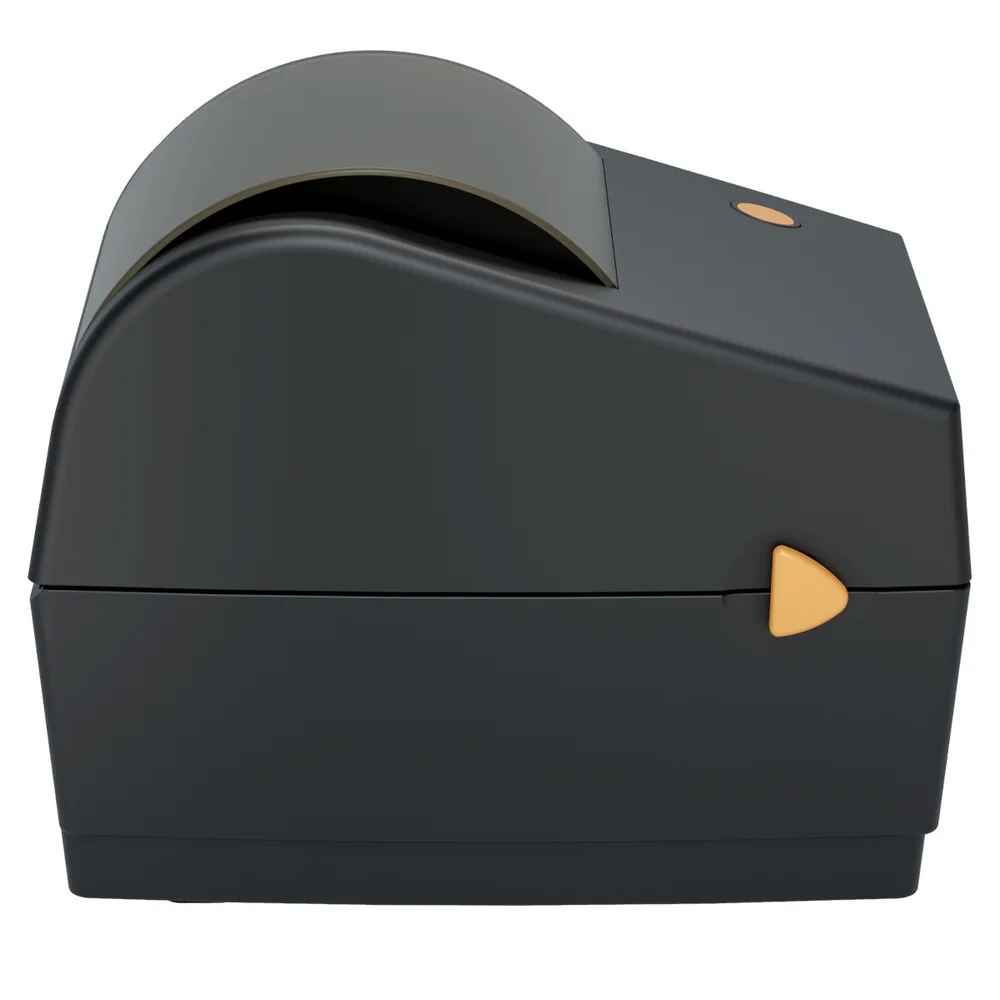
G4POS RT1500
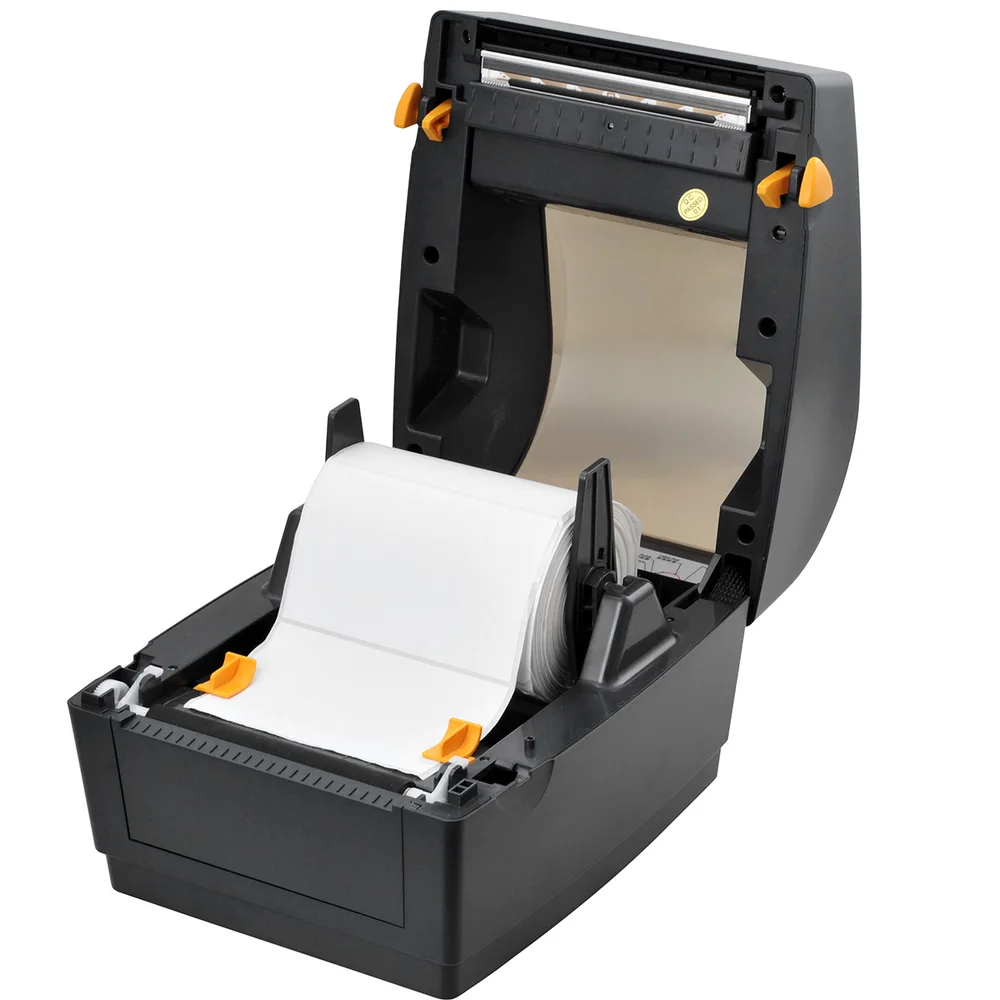
4-inch direct thermal label printer with USB and Ethernet ports.
The G4POS RT1500 prints labels and barcodes up to 108 mm wide at 152 mm/s. It connects over USB or Ethernet.
Key points
- Direct thermal printing, no ribbon
- Print width up to 108 mm (4.25 in)
- Up to 152 mm/s (6 ips), 203 dpi
- USB and Ethernet ports
- TSPL, ZPL, EPL and DPL emulations
- 1D and 2D barcodes, including QR and Data Matrix
Specifications
Printing
| Type | Desktop label and barcode printer |
|---|---|
| Technology | Direct thermal |
| Resolution | 203 dpi |
| Print width | 108 mm (4.25 in) maximum |
| Print speed | Up to 152 mm/s (6 ips) |
| Memory | 8 MB RAM, 8 MB flash |
| Sensors | Fixed gap and black mark sensors; head-open sensor |
| Emulations | TSPL, ZPL, EPL, DPL |
| 1D codes | Code 39, Code 93, Code 128 (A, B, C), GS1-128, Codabar, Interleaved 2 of 5, EAN-8, EAN-13, UPC-A, UPC-E, MSI, Plessey, POSTNET, GS1 DataBar, Code 11 |
| 2D codes | QR, Data Matrix, PDF417, MaxiCode, Aztec |
Media
| Media width | 25.4 to 116 mm (1 to 4.56 in) |
|---|---|
| Label length | 10 to 1,778 mm |
| Roll | Outer diameter up to 127 mm (5 in), 25.4 mm (1 in) core |
| Thickness | 0.06 to 0.254 mm |
| Media types | Continuous, gap, black mark, fan-fold, perforated |
Connectivity
| Interfaces | USB, Ethernet (LAN) |
|---|---|
| Drivers | Windows, macOS, Linux, Android, Chrome OS |
| Power | 24 V DC, 2.5 A |
Physical characteristics
| Dimensions (D × W × H) | 219 × 190 × 148 mm |
|---|---|
| Weight | 1.4 kg |
| Operating temperature | 5 to 40 °C, 25 to 85% humidity, non-condensing |
| Warranty | Manufacturer warranty (1 year) |
Compatible with
- Labelling software that outputs TSPL, ZPL, EPL or DPL
- Drivers for Windows, macOS, Linux, Android and Chrome OS
- USB or Ethernet (LAN) connection
- Labels from 25.4 to 116 mm wide: continuous, gap, black mark, fan-fold or perforated
- Rolls up to 127 mm in diameter, on a 25.4 mm core
Frequently asked questions
Does the G4POS RT1500 use a ribbon?
No. It prints in direct thermal, with no ribbon and no ink.
Which barcodes does the RT1500 print?
1D codes such as Code 128, GS1-128, EAN-13 and UPC-A, and the QR, Data Matrix, PDF417, MaxiCode and Aztec 2D codes.
Photos
Drivers and tools
Drivers
Windows driverVersion 11.5 · OS Windows · Size 89 MBDownload
SHA-256 checksum: b187318de1edb6866415fd79029c8021becfa5cd3109cd5628115fbeaf25fbd4
Installation
- Run G4POS-RT1500-pilote-Windows-11.5.exe as an administrator.
- Connect the printer over USB or to the network, then follow the driver installation wizard.
- Print a test page from the printer properties in Windows.
Page revised on
Reseller program
Open a reseller account
The account is free and reserved for businesses. It gives you access to our wholesale prices, training and technical support.